Programs stored an cassette
Well, today only USB-3 sticks, which count in giga bytes, are known. A multiple of 1.000.000.000 characters at the size of a fingernail.
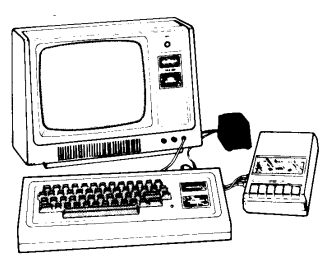
A cheaper solution was, at that time, magnetic tape as a cassette. The elderly ones might remember the "diskman". But before that, there was a cassette recorder like the portable desktop cassette recorder from RadioShack. (https://en.wikipedia.org/wiki/Cassette_deck)
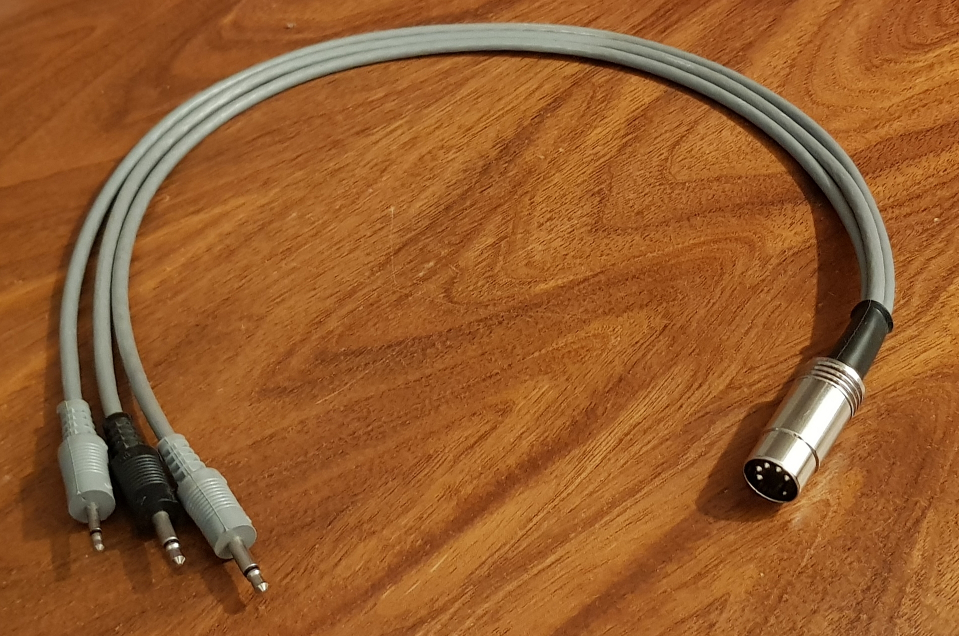
It was obvious to connect those devices to a computer to store programs and data on tape.
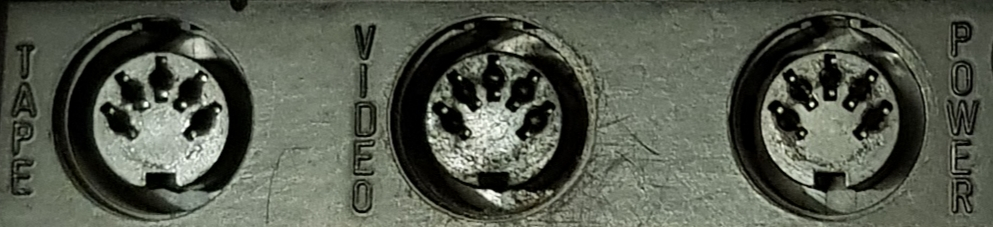
At those days the DIN connectors were widly spread. So they were used to connect a lot of things to the computer. (https://en.wikipedia.org/wiki/DIN_connector)

Today not everbody has a cassette recorder at his hand, but a current notebook with a headset connector will do fine. Fortunately the DIN connectors are stil available. (DIN 5 pin 180°)
So I bought a 3.5mm 4 pin phone jack with 1.8m cable on it and a DIN connector. But be aware: There are different configurations!
We need the CTIA configuration with AUX as audio in.
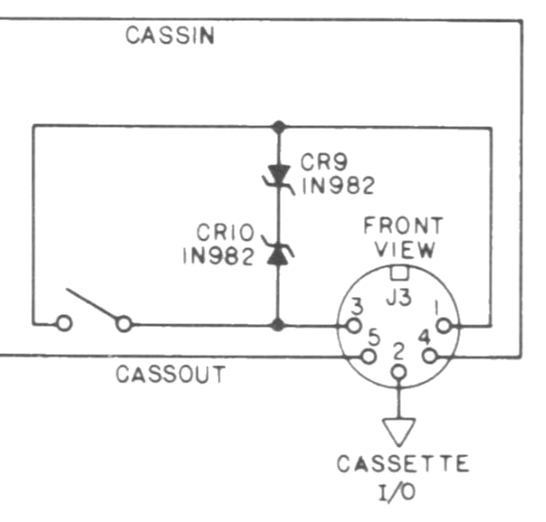
For the DIN plug at the TRS-80 this configuration is valid:
- NC
- GND
- NC
- L+R
- AUX
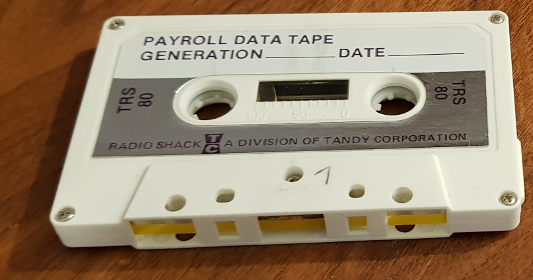
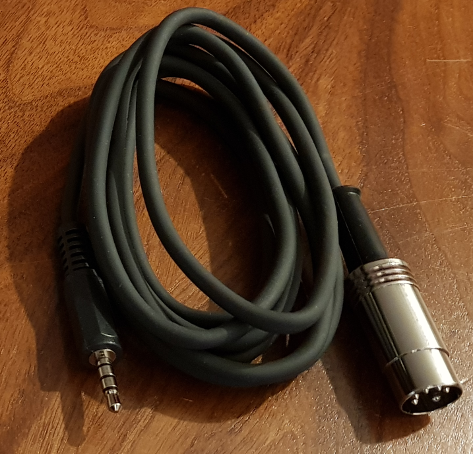
For those of us, that like to hear that original sound, I offer a sample here: csave_a.wav
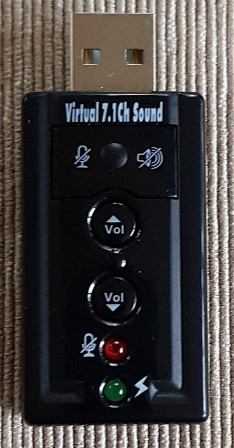
I, for myself, have bought a USB sound device and put the cassette into a front loading hi-fi cassette deck, featuring full electronic transport and many other things to playback the "noise". I recorded that as a WAV file and manipulated some things:
- Stereo to mono conversion
- Noise reduction
- Highpass filtering with 1KHz and 6db
- Lowpass filtering with 13KHz and 6db
- Normalize the amplitude to 0db
And ready is the cassette signal!
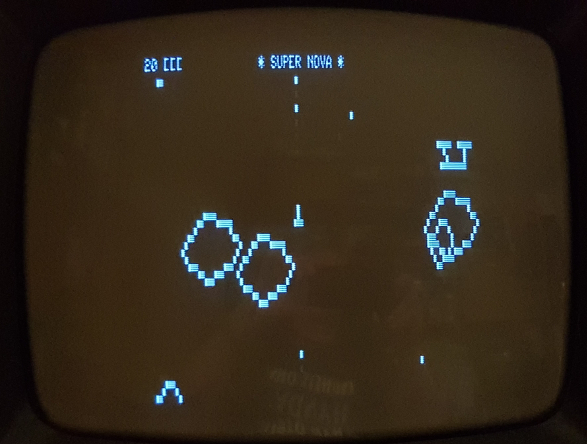
With this cable the WAV file can directly be decoded by the TRS-80 and an old game get's back to live!